When a WordPress warning is not enough, find the cause, plan the repair and verify what changed.
TopNotch Site Doctor Pro extends the Free diagnostic engine with deeper root-cause analysis, controlled repair planning, recurrence monitoring, printable evidence and read-only Google Search Console intelligence. It is built for site owners and WordPress professionals who want evidence before changes—not another dashboard that simply turns warnings red.
Requires TopNotch Site Doctor Free · Same diagnostic workspace · Explicit administrator control for higher-risk changes
During production validation, Site Doctor Pro was used on TopNotchAgency.us to investigate recurring Action Scheduler failures, delayed scheduled events, missing response-header protections, Search Console indexing evidence, monitoring changes and report output. The product page below describes those working capabilities as they behave in the plugin—not hypothetical features and not promises of rankings.
The problem with many WordPress health tools is not detection. It is what happens next.
A warning such as “scheduled events are late,” “security headers are missing,” or “page caching may be slow” can be useful. It can also be dangerously incomplete. A site owner still has to decide whether the warning is current, whether it belongs to WordPress or the server, which plugin owns the failing job, whether a previous run later succeeded, and whether the proposed fix is safe to apply on a production site.
Site Doctor Pro keeps the Free plugin as the diagnostic engine and adds a second layer for those decisions. The workflow is deliberately simple: identify the evidence → narrow the likely cause → choose the safest repair path → verify the result → watch for recurrence.
Keep the evidence visible
Critical, Recommended and Healthy findings stay tied to the checks that produced them, including the underlying WordPress, HTTP, cron, queue, cache and indexing evidence.
Separate symptom from likely cause
Pro adds ownership and root-cause context where the evidence supports it, instead of treating every background failure or security warning as the same problem.
Control what is allowed to change
Low-risk actions can be eligible for explicit execution. Server, CDN, theme, plugin, filesystem, indexing and other higher-impact changes remain guided or review-only.
Re-check instead of assuming
Site Doctor can re-scan after an approved repair and keep action history, monitoring checkpoints and report evidence so the result can be checked rather than guessed.
A repair plan that still respects a working production site
The goal is not to make the “Fix” button bigger. It is to make the decision better. Pro classifies findings by repair safety, shows the likely cause and produces an ordered repair sequence. That matters because the same visible symptom can belong to WordPress, a plugin, a queue runner, a CDN, the hosting layer or a configuration that should not be changed blindly.
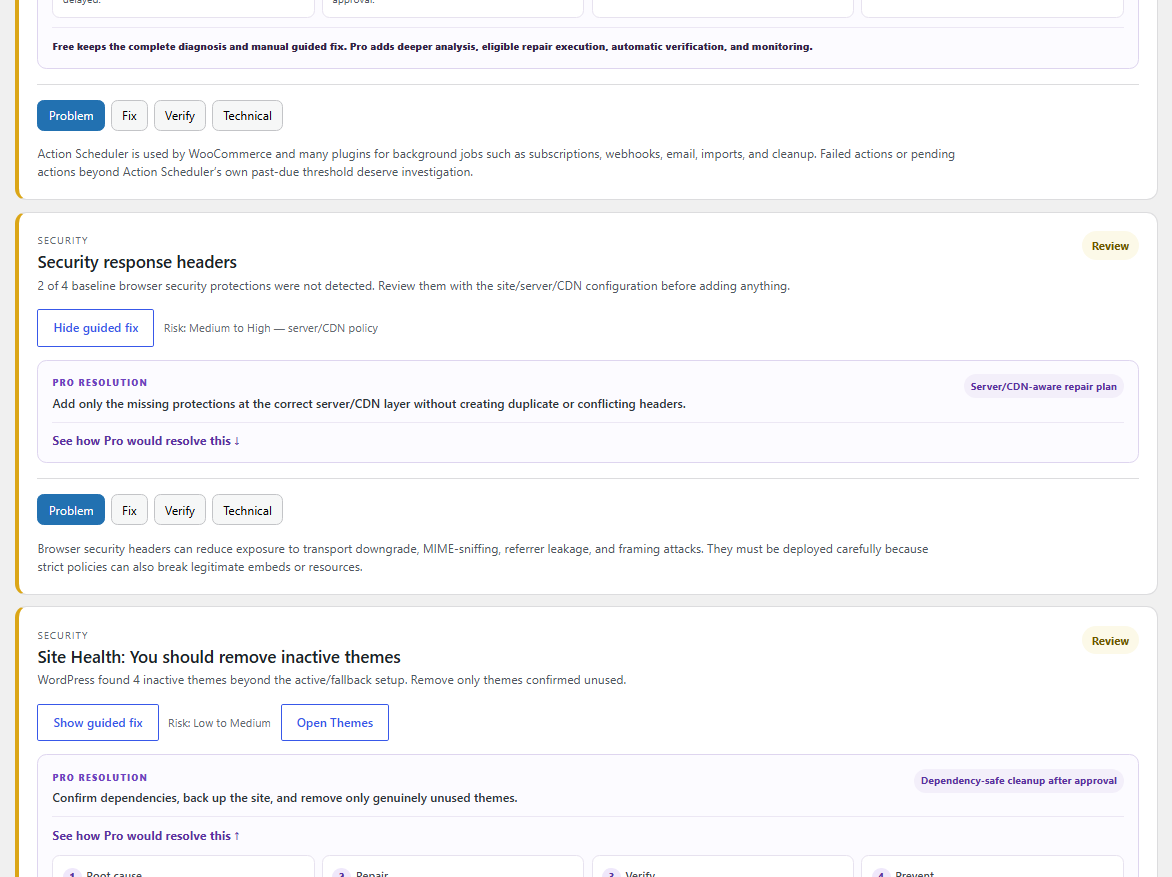
What “controlled repair” means in practice
Memory limits, debugging constants and other high-impact configuration remain administrator-controlled.
Site Doctor does not rewrite server rules simply to make a warning disappear.
Failed Action Scheduler jobs may represent payments, emails, webhooks, imports or subscriptions. Pro treats them as evidence first.
Executable files stay under explicit administrator control.
Search visibility and related changes are never flipped simply because an SEO check found a mismatch.
The plugin can find technical obstacles and verify configuration. It cannot promise crawling, indexing, rankings, traffic or revenue.
Background jobs are where “just retry it” can become expensive
Action Scheduler and WP-Cron power a large part of modern WordPress: WooCommerce actions, cleanup jobs, emails, imports, webhook processing and plugin maintenance. Pro groups failures by hook, keeps ownership language cautious, checks whether the same hook later succeeded, and points the administrator toward the owning component before suggesting a retry.
Compare what WordPress is doing now with what Google has stored.
A Search Console warning can describe an older crawl. A WordPress check describes the live site now. Search Intelligence puts those two views next to each other so you can see whether a current configuration still matches Google’s indexed evidence instead of assuming that one side automatically proves the other is wrong.
The connection uses Google Search Console’s read-only scope. Site Doctor does not request write access to Search Console and does not claim to run Google’s live URL test through the API. Google’s URL Inspection API returns information about the indexed copy; the plugin labels that limitation directly in the interface. You can read Google’s own URL Inspection API documentation for the underlying API behavior.
Indexed-copy evidence
Verdict, coverage state, robots state, indexing state, fetch state, last crawl, crawler type, declared canonical and Google-selected canonical when returned.
Live WordPress evidence
Current HTTP status, index directive, X-Robots-Tag and live canonical for the same URL, kept separate from Google’s stored state.
Search performance
Finalized recent 28 days versus the previous 28 days for Google Search clicks, impressions, CTR and average position, plus returned top pages.
Sitemap evidence
Submitted sitemap status, processing errors, warnings, submitted URL counts and Google-reported submission/download dates without relying on the deprecated indexed-count field.
PASS
Submitted and indexed
ALLOWED
SUCCESSFUL
MOBILE
200
Google’s indexed copy and the live WordPress homepage showed matching canonical and indexability signals during production validation.
Google Search clicks
Impressions
CTR
Average position
These are real Search Console metrics from the validation site, shown here as proof of the data flow—not as traffic or ranking promises.
Clicks and impressions are Google Search performance metrics. Site Doctor does not relabel them as users or sessions. Property-level totals and page-dimension rows can also differ because Google aggregates those requests differently; the interface keeps them descriptive instead of forcing the rows to reconcile artificially.
Security guidance without pretending every header belongs in WordPress
A missing HSTS or frame-protection signal may need to be configured at the CDN, reverse proxy, hosting layer or web server. Adding a second copy in WordPress can be ineffective or create conflicting policies. Site Doctor Pro shows the response evidence, identifies the likely configuration layer and leaves higher-risk security policy changes guided rather than automatic.
Monitoring that tells you what changed, not just that another scan ran
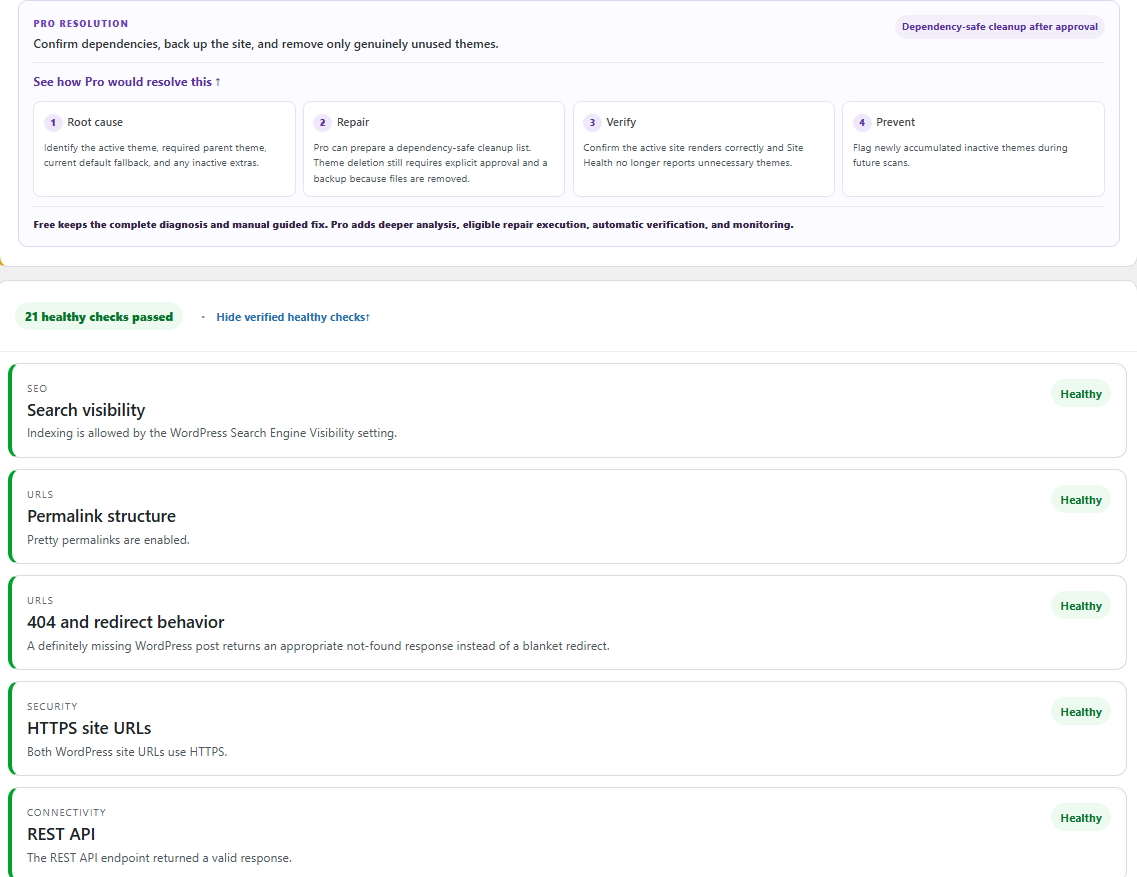
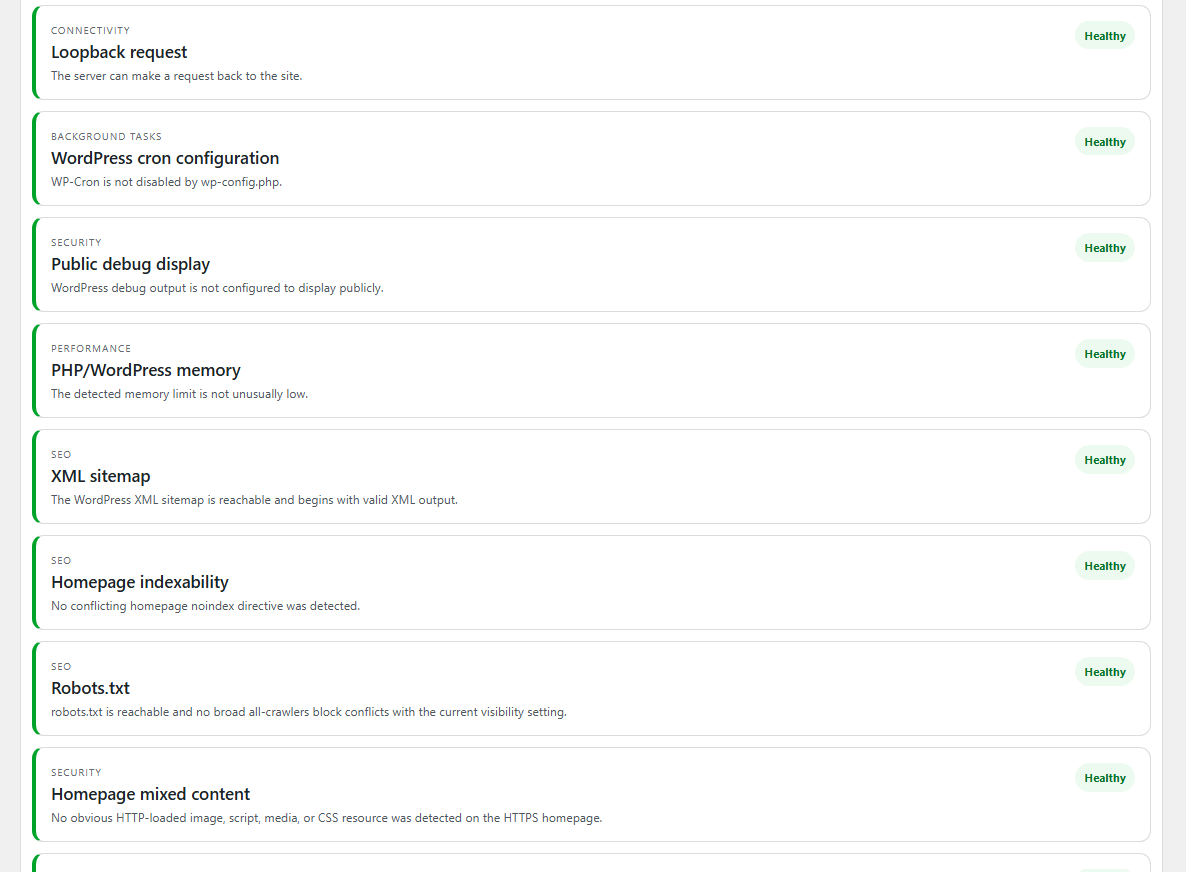
Pro can store a compact local baseline and run scheduled checks. A checkpoint records the counts of Critical, Recommended and Healthy findings together with what is new, what resolved and what changed severity. That lets a site owner spot recurrence after a plugin update, hosting change or background-job failure without manually opening the dashboard every day.
Change alerts use WordPress email and can include the new finding, current totals and a direct link back to the Repair Center. Site Doctor correctly treats a successful wp_mail() call as an application-level send result—not proof that a mailbox provider delivered the message. Monitoring scan data stays local to the WordPress installation; it is not sent to TopNotch Agency.
Reports you can hand to a client, developer or future you
A diagnosis is more useful when the evidence can leave the admin screen. Pro includes a printable report and JSON evidence export that can contain the current findings, repair sequence, environment details, monitoring checkpoints, repair history metadata, Search Intelligence connection/property metadata and masked entitlement information.
A readable report for review, handoff or saving as PDF without forcing the recipient into the WordPress admin area.
Structured diagnostic evidence for a technical archive, support workflow or further analysis.
Reports exclude Google OAuth tokens and client secrets. License references are masked rather than exported as complete keys.
Critical, Recommended and Healthy counts at report time.
WordPress, PHP and masked Pro entitlement context.
Connection/property metadata without OAuth tokens or Client Secrets.
Evidence and ordered repair guidance for the findings that need attention.
Free and Pro are deliberately one product workflow
You do not lose the Free diagnostics when Pro is activated. The Free plugin remains the engine; the Pro add-on opens deeper controls in the same Tools → TopNotch Site Doctor workspace.
| Capability | Free | Pro add-on |
|---|---|---|
| 24 practical WordPress health checks | Included | Uses the same Free engine |
| Critical / Recommended / Healthy evidence | Included | Included |
| Guided manual fixes | Included | Deeper ordered repair plans |
| Low-risk allowlisted repairs | Selected actions | Controlled execution + verification where eligible |
| Root-cause / ownership analysis | Basic evidence | Deeper Pro analysis |
| Scheduled recurrence monitoring | — | Included |
| Change email alerts | — | Included |
| Printable / JSON evidence reports | Basic history | Expanded Pro reporting |
| Read-only Google Search Console correlation | — | Search Intelligence |
Who Pro is for
Site owners
You manage a production WordPress site and want a clearer answer before touching settings, deleting queue records or applying generic “speed” and “SEO” fixes.
Freelancers & developers
You need a repeatable diagnostic trail, client-friendly reports and a safer way to distinguish symptoms from likely owners.
Agencies
You maintain several client sites and want the same diagnostic and verification workflow across them without giving every warning permission to make a change.
SEO teams on WordPress
You want Search Console evidence beside live canonical, robots, sitemap and indexability checks while keeping Google’s stored state clearly separate from the current site.
Choose by the number of WordPress sites you manage.
Every paid tier uses the same Pro feature set. The difference is the number of sites that can activate the license. Private Pro updates are available while the entitlement is active.
For one production WordPress site.
For freelancers and small multi-site portfolios.
For agencies managing a larger WordPress client set.
For larger internal or agency WordPress portfolios.
Buy TopNotch Site Doctor Pro
Select the license size that matches the number of sites you need to activate. Site Doctor Free must remain installed because it provides the diagnostic engine used by Pro.
TopNotch Site Doctor Pro
Choose the activation allowance you need. Every paid tier includes the same Pro feature set.
Pro 1 Site
USD 89.00 / year
1 site activation.
Pro 5 Sites
USD 199.00 / year
5 site activations.
Pro 15 Sites
USD 399.00 / year
15 site activations.
Pro Unlimited
USD 599.00 / year
Unlimited own/client site activations.
License and secure Pro download delivery are triggered only after server-confirmed payment. Checkout never trusts browser-return values for payment amount or entitlement.
Installation and Google Search Console setup
- Install and activate TopNotch Site Doctor Free.
- Install the Pro add-on ZIP and activate it.
- Open Tools → TopNotch Site Doctor and activate your Pro license.
- For Search Intelligence, create a Web application OAuth client in your own Google Cloud project, enable the Search Console API and use the exact redirect URI shown by Site Doctor.
- Connect with the read-only Search Console scope and choose the property that matches the WordPress site.
- Run diagnostics, review the Repair Center, then enable monitoring only after you are comfortable with the baseline.
The OAuth setup uses your own Google project. Site Doctor does not ask you to send a Google Client Secret to TopNotch Agency.
Technical requirements
6.5 or newer. Current release tested through WordPress 7.1.1.
PHP 7.4 or newer.
TopNotch Site Doctor Free v1.2.5 or newer for this Pro release.
Optional. Requires a Google account with access to the selected Search Console property and your own Google OAuth client.
Questions people should ask before buying
Does Pro replace Site Doctor Free?
No. Free remains the diagnostic engine. Pro extends the same workspace with deeper analysis, repair planning, monitoring, reports and Search Intelligence.
Will Pro automatically make every recommended change?
No. That would be unsafe. Site Doctor separates eligible low-risk actions from changes that need administrator review, server/CDN work, plugin-specific investigation or manual implementation.
Does Search Intelligence submit URLs for indexing?
No. Search Intelligence uses read-only Search Console access. It reads Google-reported Search and indexed-copy evidence; it is not a general Google Indexing API and it does not claim to run the Search Console live URL test.
Are Google Search clicks the same as visitors?
No. Search Console clicks and impressions describe Google Search performance. Website users and sessions are analytics concepts and should be measured with an analytics product such as GA4 or another analytics system.
Does Site Doctor send my scan data to TopNotch Agency?
Monitoring data is stored locally on the WordPress site. The Pro reports are generated from local diagnostic evidence and, when connected, selected Search Console metadata. Exported reports exclude Google OAuth tokens and Client Secrets.
Does a clean Site Doctor report guarantee Google rankings?
No. A healthy technical configuration can remove obstacles and make troubleshooting clearer, but Google decides crawling, indexing and ranking through systems outside a WordPress plugin’s control.
What happens when a license is active?
The Pro add-on verifies the entitlement for the permitted number of sites and enables the licensed Pro workspace and private update channel. The feature set is the same across paid tiers; the site allowance changes by plan.
Start with Site Doctor Free
Run the same diagnostic engine on your site before buying Pro. Free includes the practical health checks, guided fixes, action history and a small set of low-risk repairs.
Use the report as a starting point
If a finding belongs to a server, CDN, theme, plugin or custom integration, the evidence can be used for a developer handoff instead of applying a generic fix to a live site.
Find the cause before you change the site.
If you already use Site Doctor Free and want deeper repair analysis, scheduled monitoring, client-ready reporting and read-only Search Console correlation, Pro adds those controls without turning your production site into an experiment.