Keyword import is where outside research meets the content that already exists on your WordPress site. The aim is not to turn a spreadsheet into a publishing queue. It is to compare each idea with existing pages, intent, topic structure and—when available—performance data before deciding whether a new URL is actually needed.
Supported file types
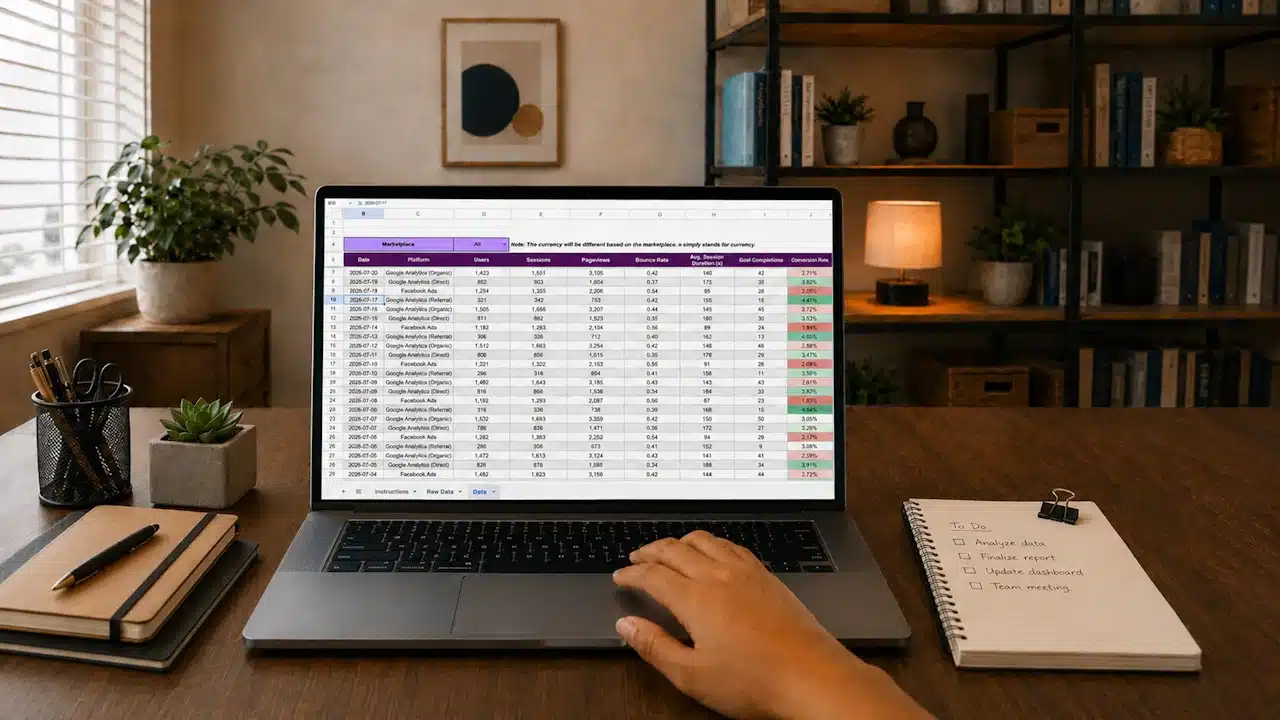
Notch Content Intelligence accepts CSV, XLSX and JSON keyword files. A basic file can contain just the keyword phrase. If your research source also provides useful fields such as search volume, keyword difficulty, trend or freshness information, those values can be imported and used as additional prioritization signals.
NCI does not call a third-party keyword database simply because a value is missing. It does not manufacture a search-volume number or pretend that a keyword has a universally accepted Google difficulty score. Missing data remains missing.
Clean the file before uploading it
A small amount of cleanup usually produces a better audit than uploading several overlapping exports. Remove obvious blank rows, accidental duplicates and columns that do not describe the keyword research. Keep the original wording of the query where possible; aggressive normalization can erase useful intent differences.
For example, “WordPress maintenance checklist” and “WordPress maintenance service” contain similar words but point toward different needs. One is informational; the other is more likely commercial. Combining them into one phrase before the audit would make the comparison less useful.
Which columns matter?
The keyword itself is the essential field. Other fields are optional and should be treated according to their source. If your spreadsheet includes volume or difficulty, remember that those values are estimates produced by the research provider, not measurements supplied by Google Search Console.
That distinction matters when prioritizing. A phrase with low estimated volume can still be valuable if it closely matches a service, product or high-conversion user need. Conversely, a large headline volume does not justify publishing a page that your site already covers well.
Run Site Audit first
Import works best after NCI has a current map of your site. Run Site Audit before uploading a new research set, especially after a large publishing batch or site migration. That gives the decision engine a better basis for recognizing an existing page, nearby topic cluster or likely overlap.
If you are new to the plugin, follow Getting Started before importing a large file.
What happens after import
NCI compares the research with the local content map and can classify ideas into decisions such as Already Exists, Ignore New URL / Merge, Merge or Reframe, Write Long-Tail, Write New Pillar, Write Standalone or Needs Review. The labels are not commands. They are a practical way to sort the list so a human can inspect the most consequential decisions first.
If a keyword already exists
Open the suggested page. Check whether it genuinely satisfies the query and whether the important section is current, clear and prominent. If it does, improving that page is usually more coherent than adding a near-duplicate URL.
If NCI suggests a long-tail article
Look at the proposed relationship with the broader topic. A long-tail page should have enough distinct purpose to help someone on its own and should naturally support the relevant pillar through internal linking. Do not create a thin page simply because the phrase differs by a few words.
If NCI suggests a new pillar
Check whether the site really lacks a strong page for the broader subject. A pillar should organize a meaningful topic area; it should not be a generic page created only to collect internal links.
Use imported metrics as context, not truth
Search volume, difficulty and trend fields can help sort a large file, but NCI also considers the site itself. Existing coverage, topical support, overlap risk and intent matter because the easiest keyword on a spreadsheet can still be a poor publishing choice if another URL already owns the subject.
This also fits Google’s people-first approach: the useful question is whether a page adds distinct value for visitors, not whether another keyword variation can be turned into another URL.
When Search Console is connected
Optional Search Console data can add clicks, impressions, CTR and average position to the analysis. That can reveal cases where a page already receives impressions for a topic even if the exact imported phrase does not appear prominently in the copy. Search Console data is another signal, not an automatic instruction to optimize every query into the page.
A sensible import routine
- Run or refresh Site Audit.
- Clean one research file and remove obvious duplicates.
- Import the file in CSV, XLSX or JSON format.
- Review existing/merge decisions before new-content decisions.
- Check intent manually for high-impact topics.
- Use volume and difficulty only when you know their source.
- Export or work through the resulting queue without publishing blindly.
Next, see Understanding Audit Results for the meaning of each decision label, or return to the NCI Documentation hub.